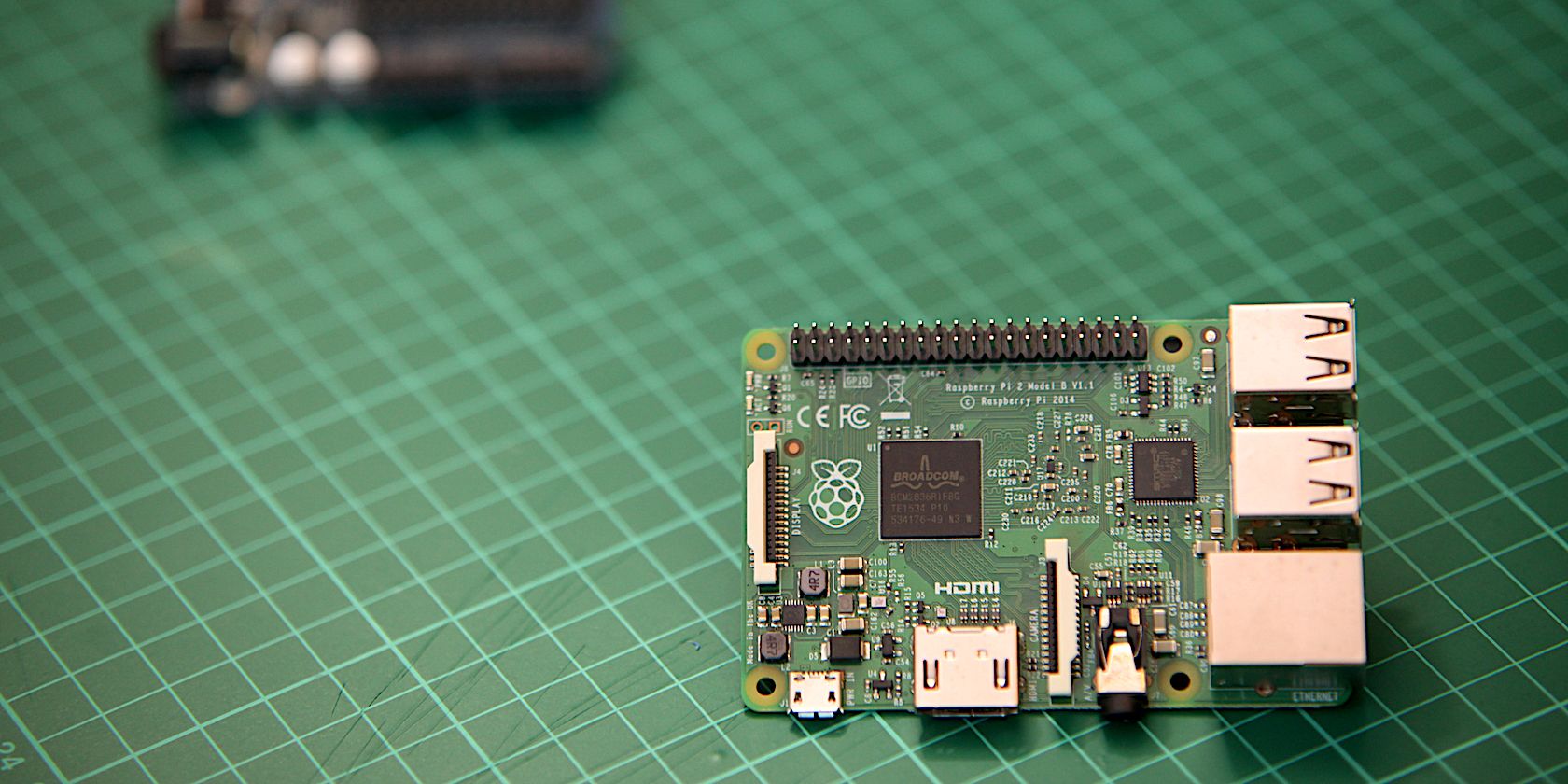
So, you’ve picked up a Raspberry Pi and a few components, you’re ready and raring to get your code on, but then you slot in your New Out Of the Box Software (NOOBS) SD card and are confronted with an important choice: which operating system (OS, or ‘distro’) should you install?
It’s a conundrum plenty of newfound coders have been presented with since 2012 when we were first graced by the Pi. To help, here are some of the most popular options open to you, and why you should choose them.
Raspberry Pi OS (formerly Raspbian)
Based on the open-source Linux distribution Debian, Raspberry Pi OS is the official distro promoted by the Raspberry Foundation. Available in 32 and 64-bit, the OS comes with a wide range of pre-installed programmes and packages every person new to the Pi will need, such as Python, Java, Scratch and more.
It’s the most popular OS for the Pi, which means it’s the most updated option on this list, and also the one with the greatest number of guides available. It’s fast, stable and simple – a zero-fuss OS.
Ubuntu MATE
Based off the incredibly popular PC OS, Ubuntu, MATE (pronounced mah-tay) is the system’s specially developed nano computer OS. Benefitting from the enormous Ubuntu community, the MATE is a perfect choice for Raspberry Pi users that want to use their computer as a PC, with low performance requirements and plenty of customisability.
Ubuntu MATE comes with a range of apps and packages pre-installed, such as Firefox LibreOffice and Evolution, making it a simplified choice for users, and has features that make it a particularly gaming-friendly option too.
LibreElec or OSMC
Want to use your Pi as a media server such as KODI? LibreElec and OSMC are two brilliant options. Incredibly lightweight and built purely for the task, each are very popular with users, although OSMC is a better choice if you want more options as it can also run web servers and Plex media servers.
Recalbox or RetroPi
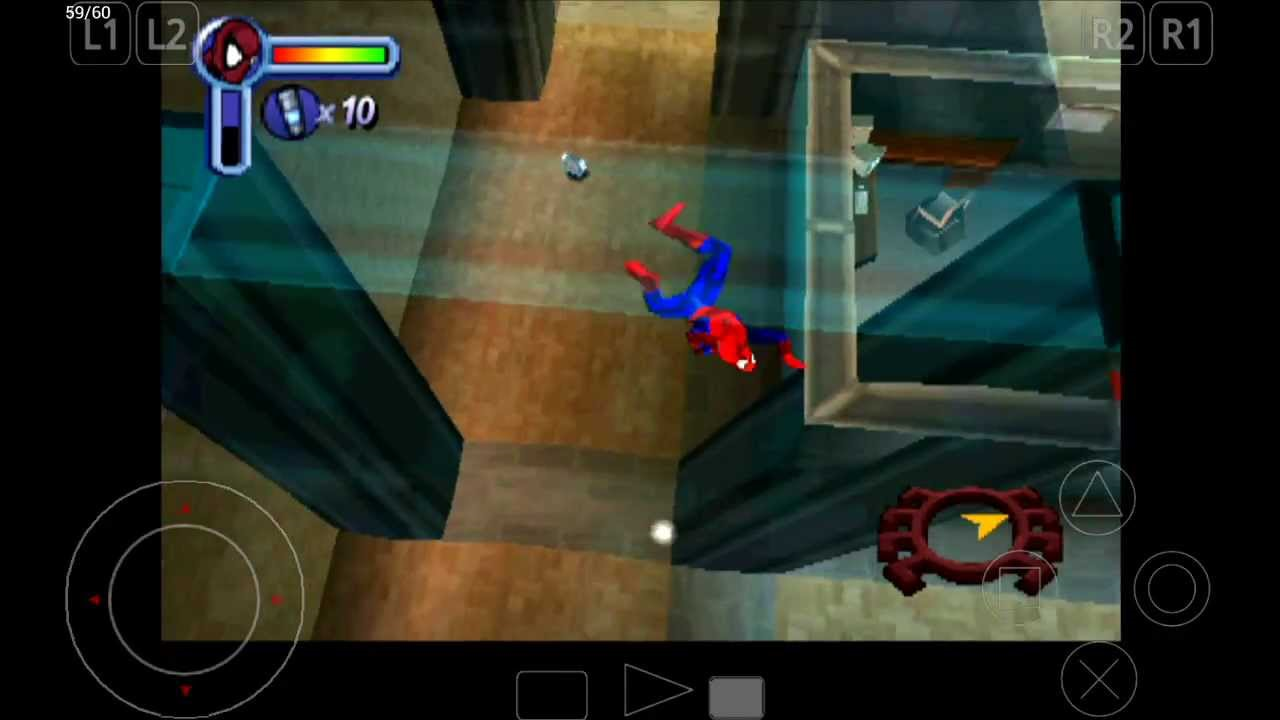
Creating a DIY gaming console on your Pi? There are two big OS options for you to choose from, RetroPie and Recalbox. The choice of which to use depends on your level of knowledge.
Recalbox is definitely simpler for users to set up, so works well for beginners that aren’t yet comfortable using command lines to set up the OS, and is compatible with newer controllers. It’s simple and straightforward – plug it in and play the games you enjoyed as a child.
However, when it comes to customisation, control, compatibility, and support, RetroPie is the better of the two. It’s been around for almost as long as the Pi itself, so has a large, engaged community that has developed plenty of features to work with it, such as controller and display compatibility, and menu and splash screen options. It’s complex though – you’ll be reading through plenty of documentation during setup.